This article provides the steps for creating a new child Company in the platform.
- Start by navigating to the Companies page by clicking on Companies in the left-hand menu.
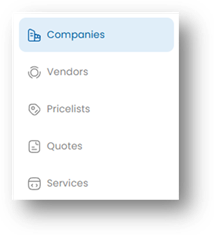
- On the Companies page, click on the New Company button.

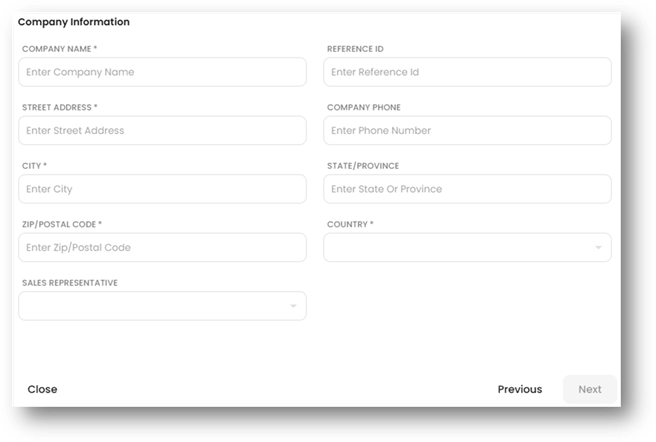
- Enter the Company information. This will be the name, address, and details for the company you are creating. Click the Next button to proceed.
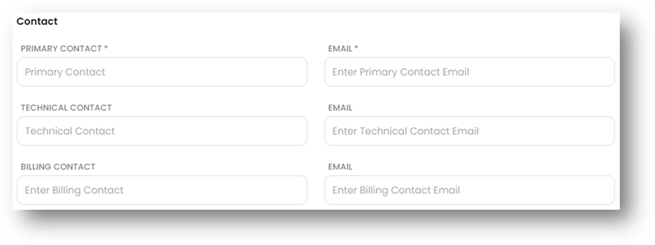
- Enter the contact information for the company. Only the Primary Contact is required, but you can also enter an optional Technical Contact and Billing Contact for the company.
- Click the Create button to complete the process.
Was this article helpful?
That’s Great!
Thank you for your feedback
Sorry! We couldn't be helpful
Thank you for your feedback
Feedback sent
We appreciate your effort and will try to fix the article